Help - Whats New
This screen will automatically be shown when a new or updated or fixed feature has been added to MythQML when it starts up or you can always view the screen from the main menu.
Keys used on this screen
 RED (F1) Move to the previous news page.
 GREEN (F2) Move to the next news page.
 YELLOW (F3) Zoom In.
 BLUE (F4) Zoom Out.
FAQ
None
Known Problems
None
TODO
None
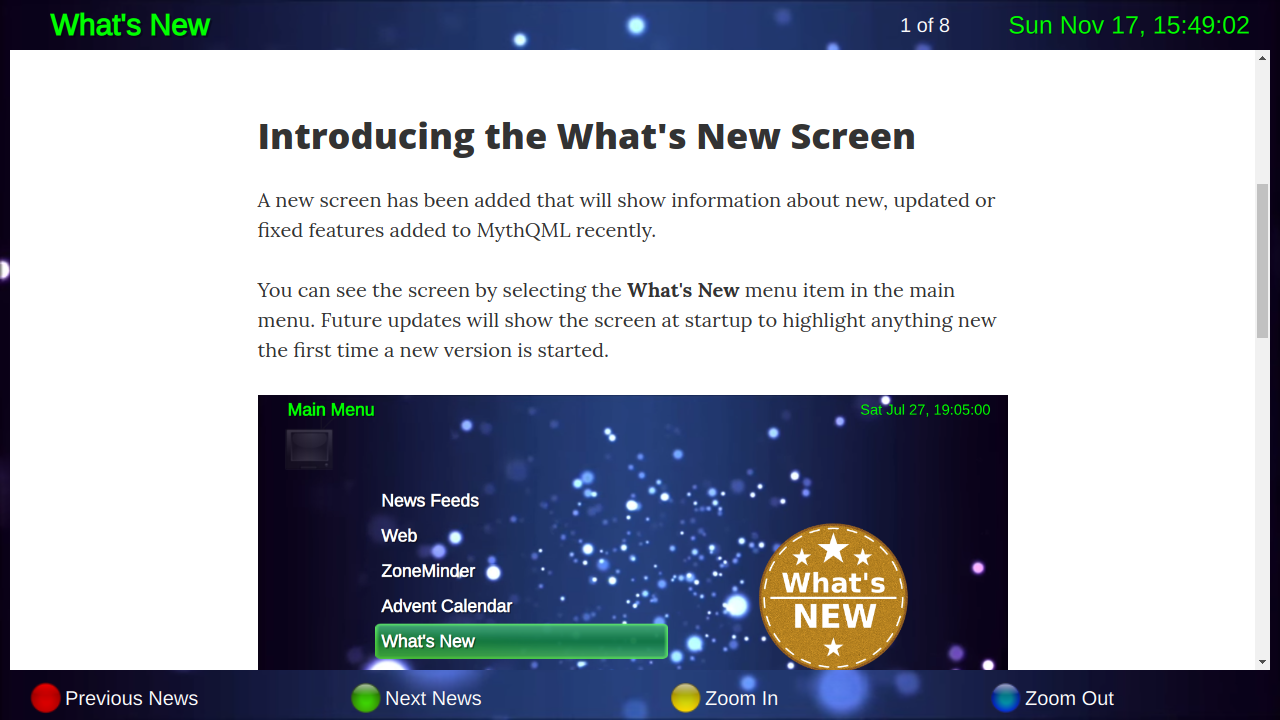 A screenshot of the Whats New screen.